
Client onboarding funnel template
Creative studios gathering materials and responsibilities before a website kickoff.
Example brand: Northline Studio. Demo answers are not sent or saved.
How this funnel works
Establish the project and readiness of its materials, then collect asset links and the missing pieces that need attention.
- Start
- Your project
- Your materials
- Your details
- A new business website · next step Confirmation
A playbook for this campaign
Project handovers. A project-specific preparation list.
When to use it
Existing readers, customers or people already familiar with the brand.
After the request
Review the supplied links and identify missing materials.
Measure the next outcome
Track completed requests and the downstream outcome separately: kickoff ready. The demo records neither. A calendar or checkout click does not confirm the later action.
Prepare before launch
Agreed project scope, secure asset channel and kickoff owner.
Different answers. Relevant next steps.
A new business website
Set up the new-site brief.
Bring the audience, essential pages, identity files and the person who will approve the content into one handover.
List missing items rather than filling gaps with assumptions.
Try this in the live demo →A redesign of the current site
Keep what already works.
Identify the current pages, content and assets worth preserving before discussing the redesign.
Share access through the agreed secure channel; do not put passwords in this form.
Try this in the live demo →A focused landing page
Give the landing page one job.
Name the audience, offer and next action, then gather the approved copy and supporting proof for that specific campaign.
Confirm who owns the destination and the final sign-off.
Try this in the live demo →Launch this campaign, step by step
- Replace the fictional brand and review the offer
- Agreed project scope, secure asset channel and kickoff owner
- Test every answer path and the default result
- Submit a test request and verify its contact record
- Connect and test the intended follow-up; confirm downstream outcomes separately
Message drafts are included for acknowledgement, useful preparation and a manual check-in. Review their copy and connect the appropriate sending channel before using them. These examples do not send messages.
Make it fit your business
Replace Northline Studio with your own identity, offer and imagery. Edit the question labels and destinations, choose the fields you actually need, and review every page before sharing.
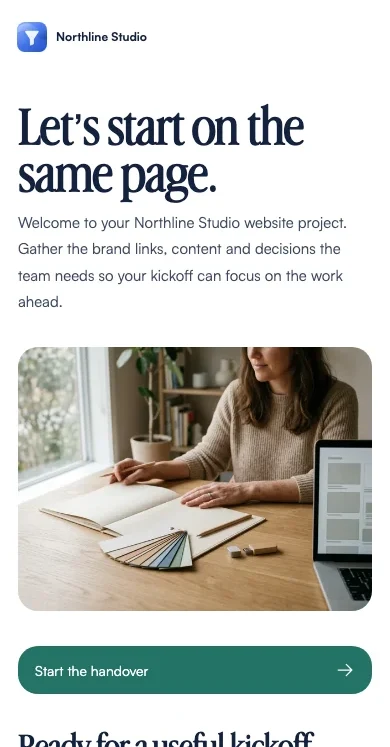
The demo uses illustrative AI-generated photography. Replace it with your own product, people or project material before presenting it as evidence.